Grid: Creating grid designs
Grid Layout
The CSS Grid Layout module offers a grid-based layout system with rows and columns, simplifying web page design without the need for floats or positioners. All direct children of the grid container are automatically converted into grid elements.
.container {
  display: grid | inline-grid;
}
Grid Columns
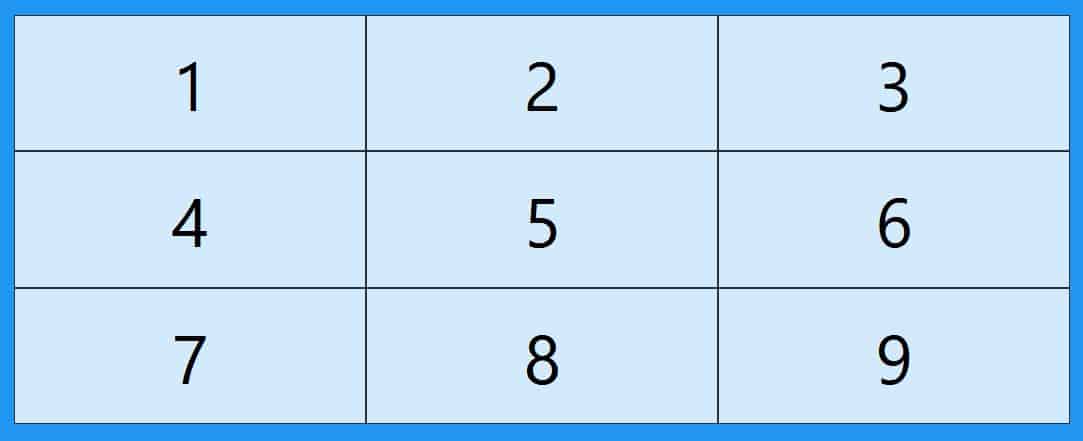
The vertical lines of the grid elements are called columns.


Grid Rows
The horizontal lines of the grid elements are called rows.

Grid Gaps
The spaces between each column/row are called gaps.

You can adjust the size of the gaps using one of the following properties:
- column-gap
- row-gap
- gap
Examples
The column-gap property sets the space between columns:
.grid-container {
  mostrar: rejilla;
  espacio-columna: 50px;
}
The row-gap property sets the space between rows:
.grid-container {
  display: grid;
  row-gap: 50px;
}
The gap property is a shorthand for the row-gap and column-gap properties:
.grid-container {
  display: grid;
  gap: 50px 100px;
}
The gap property can also be used to set both the row spacing and column spacing to a single value:
.grid-container {
  display: grid;
  gap: 50px;
}
-
Flexbox: Flexbox in CSS
-
Responsive Design: Media Queries in CSS: Efficient Responsive Design
-
More about CSS Grid: CSS grid layout
-
Grid generator: CSS Grid Generator App