Basic CSS properties
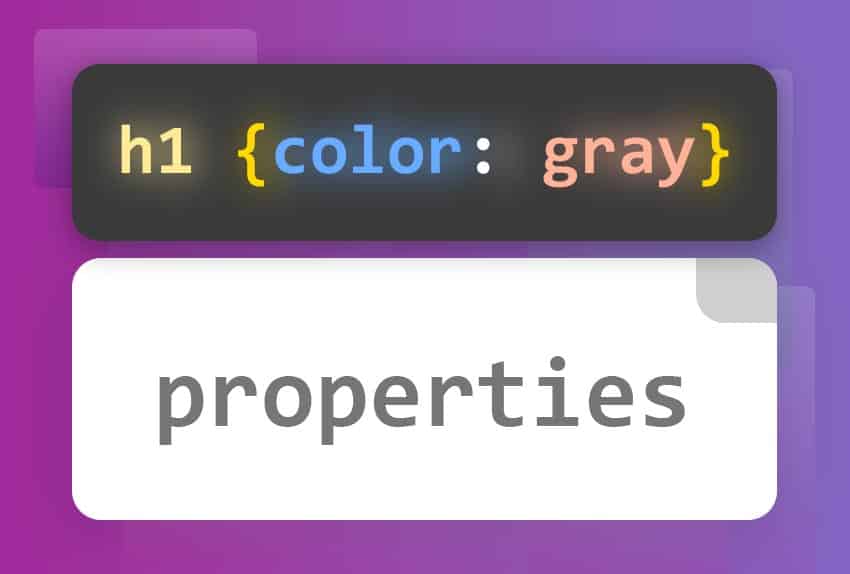
Basic CSS properties define how an element should be displayed on a web page. Some of the most common are:color,font-size,background-color,margin,padding and floatThese properties allow you to control the visual appearance of HTML elements, improving the user experience and the aesthetics of the website.
Most Common Properties
Basic CSS properties are fundamental for defining the style and presentation of elements on a web page. Here are some of the most common:
color: Defines the text color of an element. You can use color names, hexadecimal values, or RGB values.
p {
  color: red;
}
font-size: Defines the font size.
h1 {
  font-size: 32px;
}
background-color: Defines the background color of an element.
div {
  background-color: lightgray;
}
Positioning with float
The propertyfloatIt is used to position an element to the left or right of its container, allowing other elements to flow around it. It is useful for creating column layouts or aligning images with text.
The CSS float property places an element to the left or right of its container, allowing text and inline elements to wrap around it. The element is removed from the normal page flow, although it remains part of the overall flow (unlike absolute positioning).
div {
  /* Valores */
  float: left;
  float: right;
  float: none;
  float: inline-start;
  float: inline-end;

  /* Values Globales */
  float: inherit;
  float: initial;
  float: revert;
  float: revert-layer;
  float: unset;
}
Background
The propertybackground-colorSets the background color of an element.
div {
  background-color: lightblue;
}

Fonts
font-family: Defines the font of the text.
p {
  font-family: Arial, sans-serif;
}
font-size: Defines the font size.
h1 {
  font-size: 24px;
}
font-weight: Defines the font weight.
strong {
  font-weight: bold;
}
Text
text-align: Aligns the text horizontally.
h2 {
  text-align: center;
}
text-decoration: Adds decorations to text, such as underlining.
a {
  text-decoration: none;
}
text-transform: Controls text capitalization.
p.uppercase {
  text-transform: uppercase;
}
Margins and Padding
margin: Sets the exterior space around an element.
div {
  margin: 20px;
}
padding: Creates the interior space within an element.
div {
  padding: 10px;
}
Borders
border: Defines the border of an element.
p {
  border: 1px solid black;
}
border-radius: Defines rounded edges.
img {
  border-radius: 50%;
}
Dimensions
width: Sets the width of an element.
img {
  width: 100px;
}
height: Sets the height of an element.
img {
  height: 100px;
}
Display and Visibility
display: Controls how an element is displayed.
.block {
  display: block;
}

.inline {
  display: inline;
}

.none {
  display: none;
}
Visibility: Controls whether an element is visible or not.
.invisible {
  visibility: hidden;
}
Summary
Basic CSS properties are essential for defining the style and presentation of elements on a web page. With these properties, you can control the color, size, background, margins, padding, and borders of HTML elements, improving the user experience and the website's aesthetics.
-
Selectors: CSS selectors and basic properties
-
Text, Colors, and Backgrounds: Text styling, colors and backgrounds
-
More about properties: MDN - CSS Properties Reference
💻Get your hands on the code with these simple challenges: