CSS selectors and basic properties
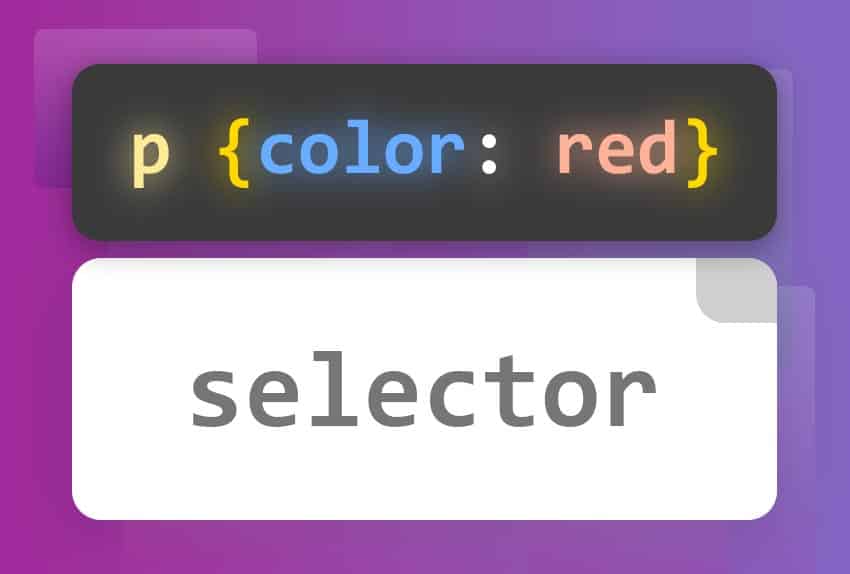
In this article, we'll explore CSS selectors and basic properties that are essential for any web developer. Through selectors and properties, we can apply visual styles to HTML elements, controlling their appearance and presentation.
CSS Selectors
CSS selectors are patterns used to select the HTML elements to which styles will be applied. There are several types of selectors you can use:
Type Selectors
Type selectors apply styles to all HTML tags of a specific type. For example, to style all paragraphs<p>
p {
  color: blue;
}
Class Selectors
Class selectors apply styles to any element that has a specific class. To define a class in HTML, we use the attributeclass
<p class="destacado">Este es un párrafo destacado.</p>
<p>Este es un párrafo normal.</p>
.destacado {
  color: red;
  font-weight: bold;
}
ID Selectors
ID selectors apply styles to a single element that has a specific ID. To define an ID in HTML, we use the attributeid
<p id="unico">Este es un párrafo único.</p>
#unico {
  color: green;
  font-size: 20px;
}

Attribute Selectors
Attribute selectors apply styles to elements that have a specific attribute.
/* Elementos <a> con un atributo title */
a[title] {
  color: purple;
}

/* Elementos <a> con un href que coincida con "https://example.org" */
a[href="https://example.org"] {
  color: green;
}

/* Elementos <a> con un href que contenga "example" */
a[href*="example"] {
  font-size: 2em;
}

/* Elementos <a> con un href que comience con "#" */
a[href^="#"] {
  color: #001978;
}

/* Elementos <a> con un href que termine en ".org" */
a[href$=".org"] {
  font-style: italic;
}

/* Elementos <a> cuyo atributo class contenga la palabra "logo" */
a[class~="logo"] {
  padding: 2px;
}
Descendant Selectors
Descendant selectors apply styles to elements that are descendants of a specific element.
<div class="contenedor">
  <p>Texto dentro del contenedor.</p>
</div>
<p>Texto fuera del contenedor.</p>
.contenedor p {
  color: purple;
}
Group Selectors
Group selectors apply the same styles to multiple selectors.
h1,
h2,
h3 {
  color: navy;
}
Universal Selector
Selects all items.
* {
  margin: 0;
  padding: 0;
}
Conclusion
Understanding CSS selectors and basic properties is fundamental for any web developer. Selectors allow you to apply specific styles to HTML elements, while properties allow you to control their appearance and presentation. With this basic knowledge, you'll be well on your way to creating attractive and effective web designs. Keep practicing and experimenting with CSS to discover everything you can achieve!
-
The Basics: CSS Basics
-
Basic properties: Basic CSS properties
-
More about Selectors: MDN - CSS Selectors
💻Get your hands on the code with these simple challenges: